

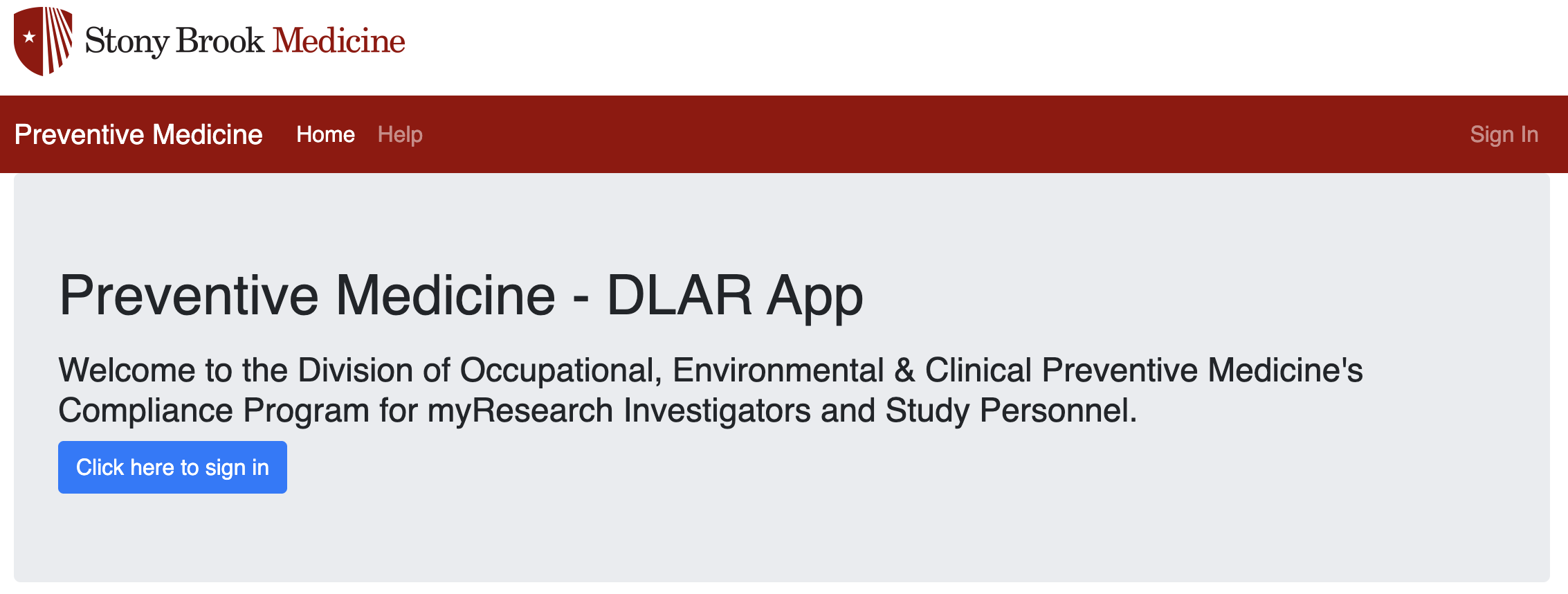
1) Navigate to https://ndlar.
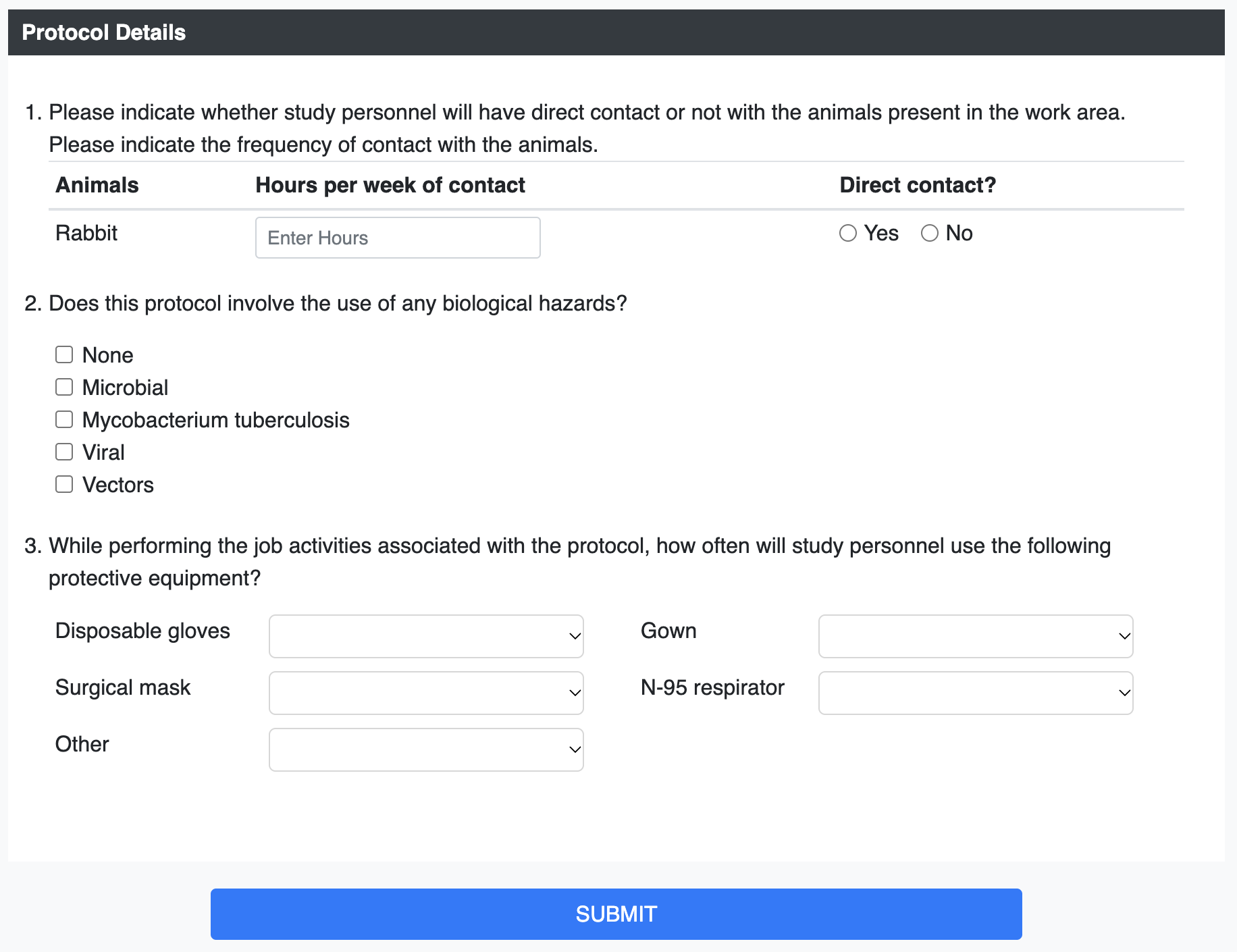
2) Click on Account > My Protocols > (Protocol Number) > Under Protocol Details fill out the applicable data > Submit.
3) Now click on Add from Study Staff and search for the staff/student's name > Add to Protocol (Protocol Number).
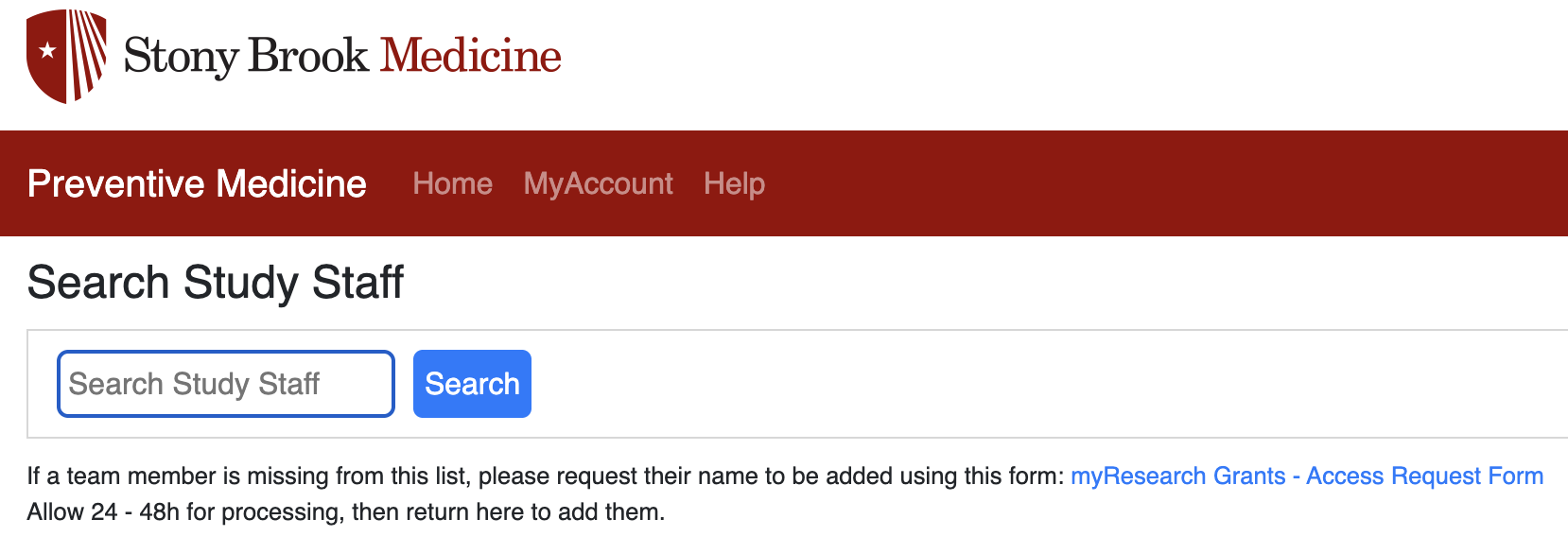
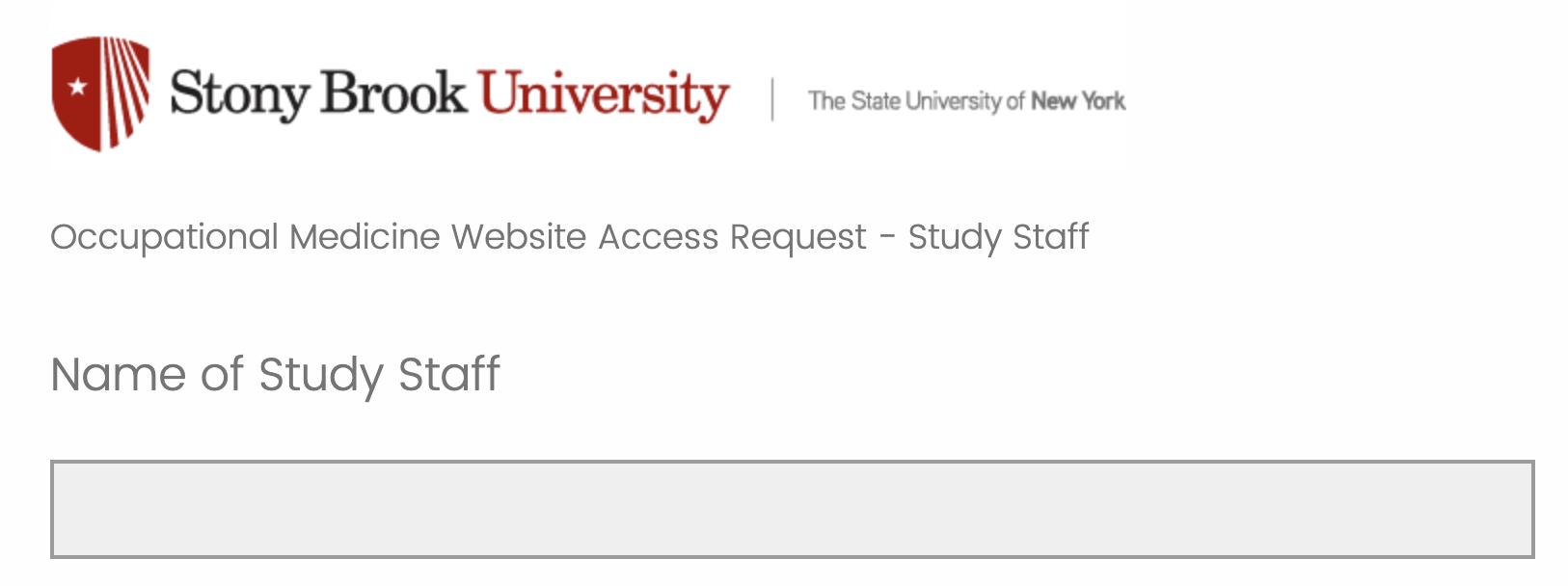
If a team member is missing from this list, request their name be added using this form: myResearch Grants - Access Request Form. You must allow 24 - 48h for processing, then return here to this page and their name will have appeared in the list for you to add them.
4) Once added, they should receive an email and should follow the instructions to provide proof of tetanus vaccination. If someone is unable to locate this email, please navigate back to the site and select Send Reminder Emails.

5) Once cleared, you both should receive an email, this clearance is what is required to add personnel to the protocol in myResearch.
If you need additional assistance, please submit an IT ticket referencing the NDLAR (SBU/SBM) app.